Borderless Secure Connection: YMC Portable VPN
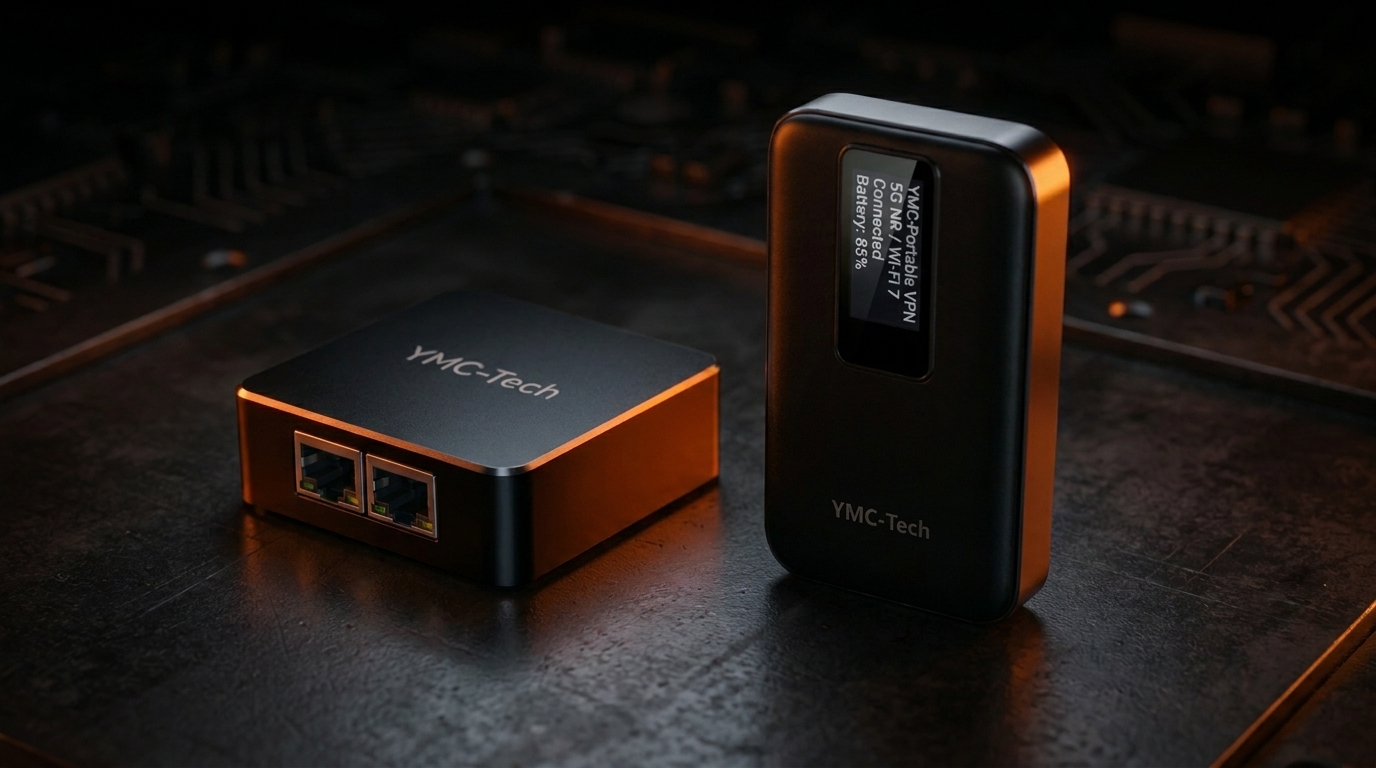
Access your office network securely from anywhere. No expensive infrastructure, no monthly fees. Just plug in and connect.
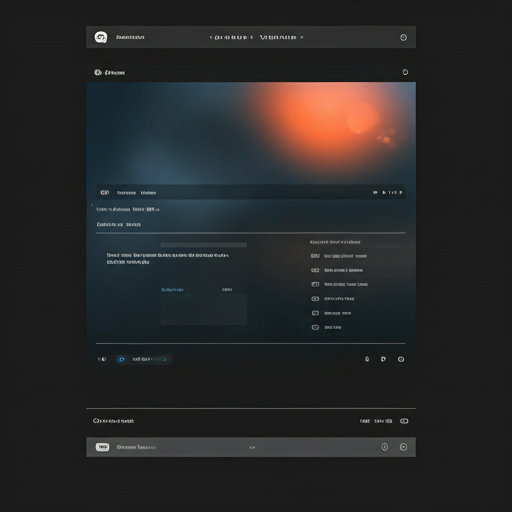
YMC Portable VPN Interface
Browse real interface screenshots of our portable VPN solution. Simple setup, secure connection, full control.

Secure Login
Biometric and password authentication for device access
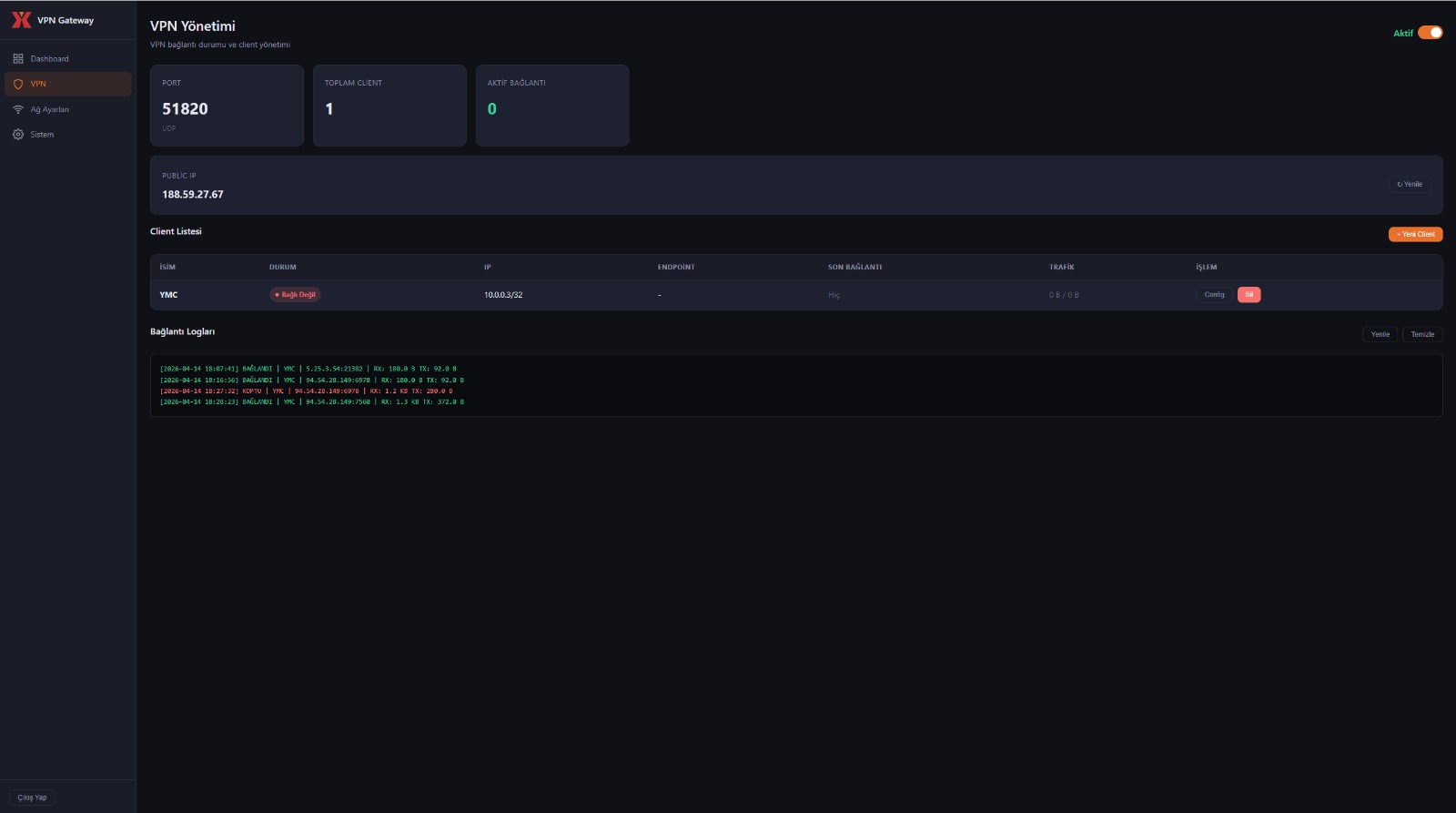
Network Settings
Configure connection preferences and security protocols

Connection Status
Real-time tunnel status with encryption indicators
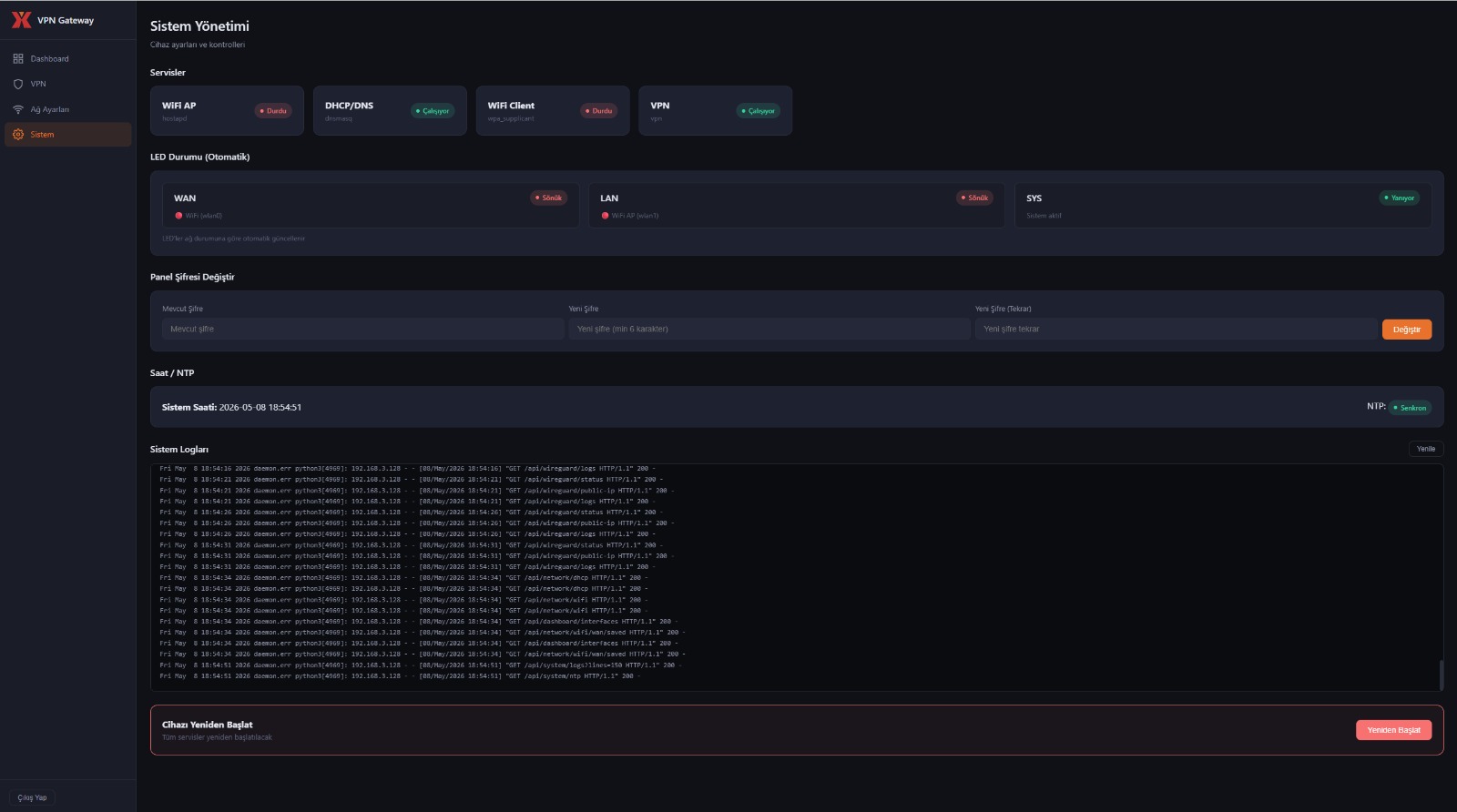
Web Dashboard
Manage all your devices and monitor network activity
Core Features
Secure Connection
Your data travels encrypted between your device and your office. Safe from prying eyes on public Wi-Fi.
Take It Anywhere
Fits in your pocket. Use it at home, in hotels, cafes, or on the road. Your office network is always with you.
Easy Setup
No IT team needed. Connect the device and it works automatically. No complex settings or extra software.
Always Connected
5G, Wi-Fi 7, or Ethernet. Use whatever is available. The device automatically switches to the best connection.
Fast and Uninterrupted
Access your files, printers, and servers as if you were sitting in the office. No noticeable delay.
// NO MONTHLY FEES
Multi-Platform Access
Full Control
YMC-Tech Sync
Manage your connection from any device. Check your status, see who is connected, and control access from a single screen.
-
desktop_windows
Desktop Client Full control from your Windows or Mac computer.
-
language
Web Panel Access from any browser without installing anything.
-
smartphone
Mobile App Connect and monitor on the go from your phone.
Operation Flow
3 simple steps to access your network.
Connect to Internet
Plug the device into power and any internet access point.
Automatic Connection
The device recognizes your office network and connects automatically. No manual steps needed.
Ready to Use
Connection is ready. Access your files, printers, and cameras as if you were in the office.
Frequently Asked Questions
What is a portable VPN and how does it work? expand_more
What is the difference between a hardware VPN and a software VPN? expand_more
Why is WireGuard used? expand_more
Is setup difficult? Does it require technical knowledge? expand_more
How many devices can connect at the same time? expand_more
Does it work without Wi-Fi? expand_more
Secure Your Network Today
No monthly fees, no expensive infrastructure. A one-time investment for a lifetime of secure remote access.